Hang
1
Hi I have upgraded Windows 10 to Windows 11, after upgrade FxSound worked well.
Then I found a new version and tried to upgrade it.
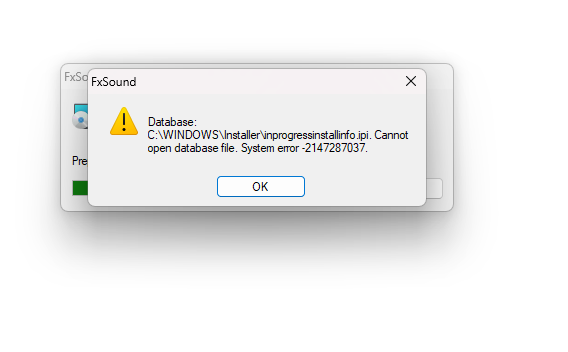
During the process the message below in screenshot appear:
Database: C:\WINDOWS\Installer\inprogressinstallinfo.ipi. Cannot open database file. System error -2147287037.
I tried to unistall manually the old versione, deleted folders and registry keys, but the message still appear.
Anyone can help me?
bvijay
2
Can you try to uninstall through Revo Uninstaller or WiseCleaner and then retry installing the new version.
Here is a thread on uninstallation issues and uninstall utilities
Cannot completely uninstall FxSound - Get Help - FxSound
Hang
3
Hi bvijay, uninstallers won’t helped but I have resolved in another way, it seems a Windows problem.
I have resolved following the procedure at this link (method 2):
Error 2203.Database: C:\WINDOWS\Installer\inprogressinstallinfo.ipi. Cannot open database file. System error -2147287037. - Microsoft Q&A
Thanks anyway for your support.
1 Like
bvijay
4
Thank you for sharing the solution!